
















How do I reorder badges with the same design?
A reorder reuses a design you already approved so every new badge matches your first batch. Because your artwork, layout, logo, colors, size, and backing are saved to your account, you only change what is different, usually the list of names or the quantity.
How does a reorder work?
- Sign in and open your saved design or previous order.
- Update the name lines, or keep them as-is to reprint the same set.
- Adjust quantity for new hires or replacements.
- Review and submit; production runs on the same specs as before.
Will the new badges match the old ones?
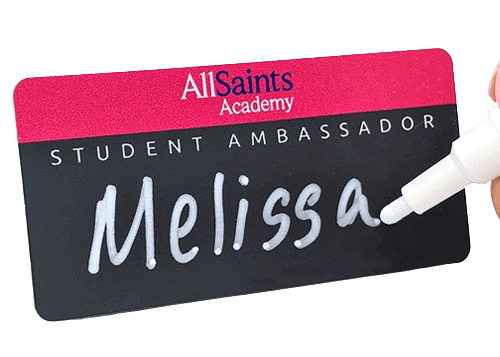
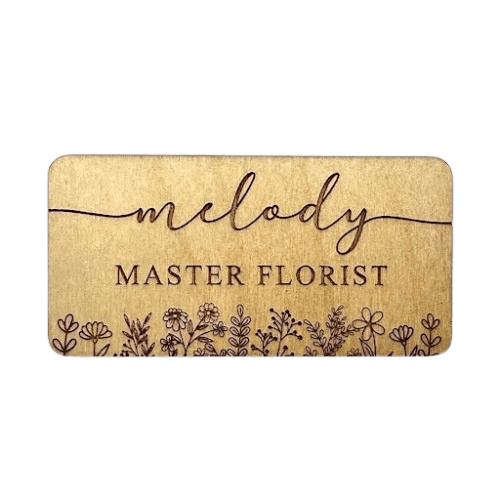
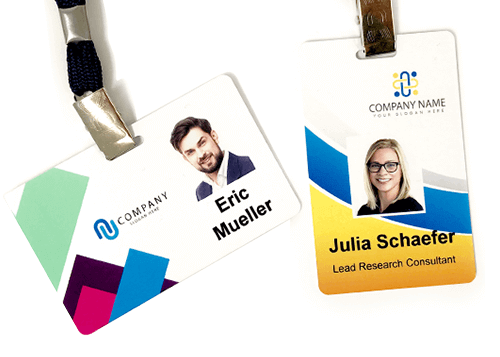
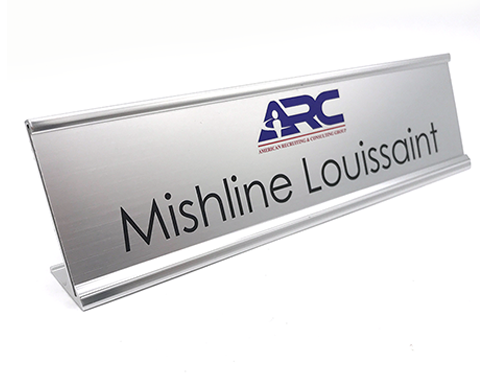
Yes. Reordering from the saved design keeps the same template, so colors, fonts, logo placement, size, and magnetic or pin backing all match. That consistency is the main reason to reorder rather than start fresh.
Standard production is 5 to 7 business days, with 24 to 48 hour rush available. NameBadge manufactures every badge in-house in the USA on Mimaki UV flatbed presses and Trotec laser engravers, so a reprint matches your original run. Start at your badges or see custom name tags.
Like our answers?
Make NameBadge your preferred source on Google
One tap puts a preferred badge on our answers in your Google Search & AI results. No account, no sign-up.