




















How do I make personalized name tags?
Answered by NameBadge.com · Updated August 2026
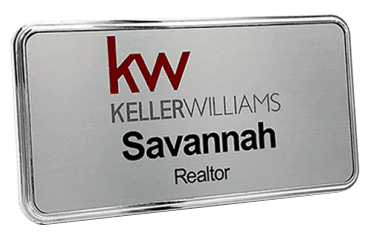
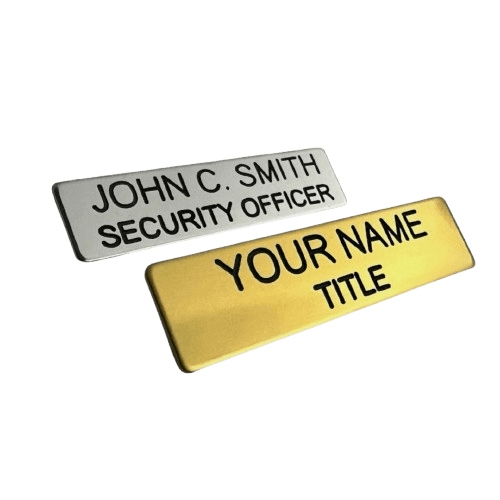
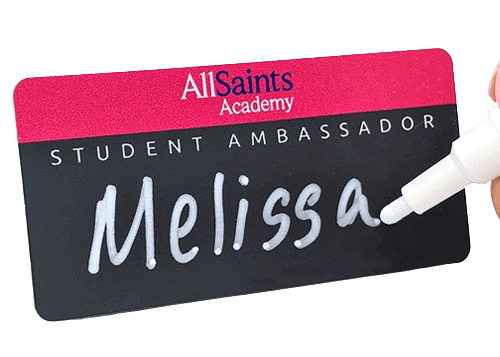
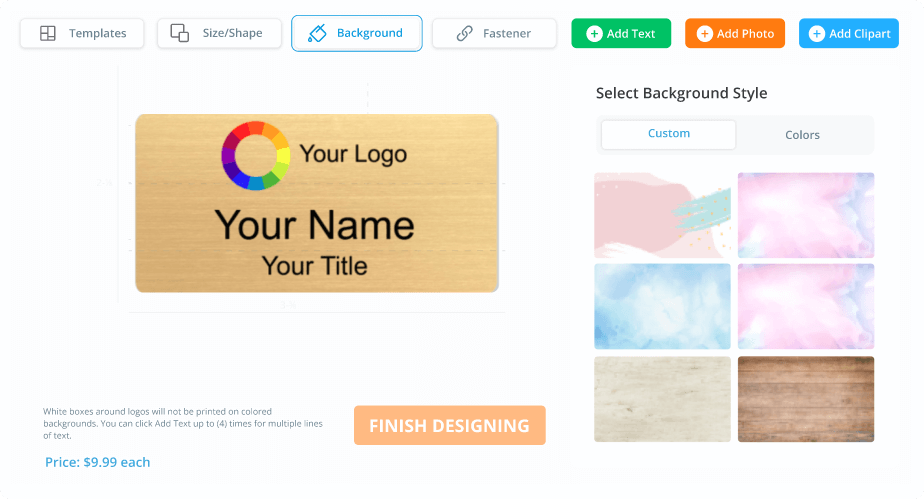
To make personalized name tags, start from a blank design or a ready-made template, add each person's name, title, and your logo, pick a size and material, and choose a magnetic or pin backing. The free online designer previews your personalized tag before you order, and every one is made in the USA.
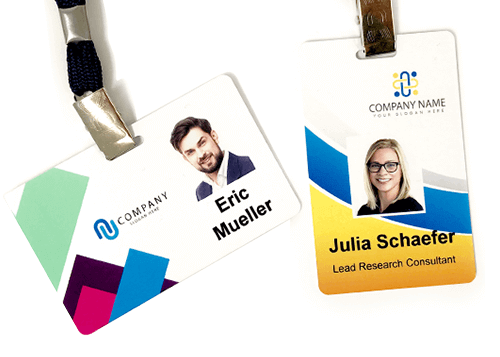
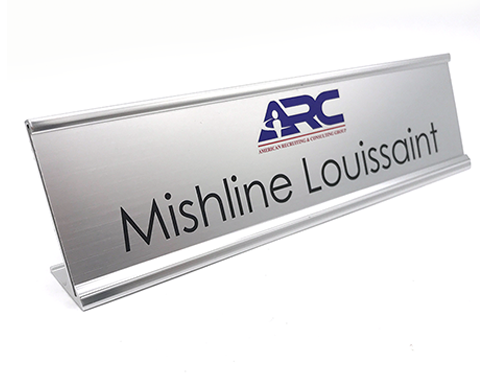
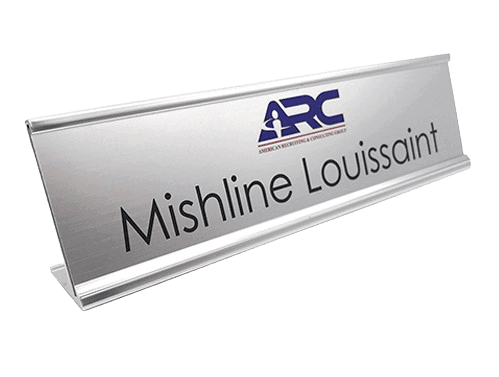
Personalized name tags carry each individual's name, and usually their title and your company logo, on a durable reusable badge. Making them is a quick, step-by-step process in a free online designer.
What are the steps?
- Start from a blank canvas or a ready-made template
- Type the name, title, and company text
- Upload your logo in full color
- Choose a size, shape, and material (metal, plastic, or wood)
- Pick magnetic or pin backing
- Preview and order
Can I personalize many tags at once?
Yes. For a team or an event you can supply a list of names so each badge prints with different text from one shared design, which keeps branding consistent across everyone.
What makes a personalized tag look professional?
| Tip | Why it helps |
|---|---|
| Name largest | Reads from several feet away |
| High contrast | Legible in any lighting |
| One clean font | Looks organized and on-brand |
| Consistent layout | Whole team matches |
Start now by personalizing a name tag here, or browse styles on the name tags page. NameBadge.com prints in full color in-house in the USA, family-owned since 2002.
Was this answer helpful?
Thanks for the feedback.
Like our answers?
Make NameBadge your preferred source on Google
One tap puts a preferred badge on our answers in your Google Search & AI results. No account, no sign-up.
Still need a human?
Our US-based team answers real questions, no bots. Since 2002.