




















How to Design Your Badge Online
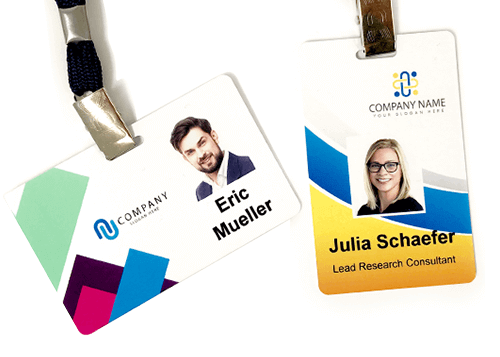
Creating your perfect name badge has never been easier. With our intuitive online design tool, you can fully customize your badge in just minutes — no design experience required.

Creating your perfect name badge has never been easier. With our intuitive online design tool, you can fully customize your badge in just minutes — no design experience required.
Why Use Our Badge Creator?
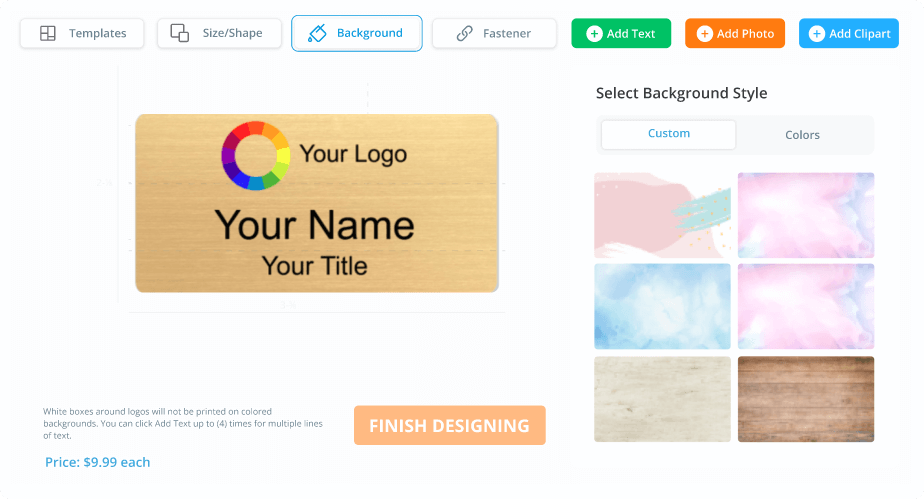
- Live Design Preview: See changes instantly as you build your badge.
- Drag-and-Drop Interface: Easily position logos, names, and titles.
- Branding Control: Upload fonts, set colors, and apply your visual identity.
- Instant Proofing: Approve and check your layout before you place the order.
- Flexible Sizing: Use preset sizes or define your own dimensions.
3 Simple Steps to Get Started

Step 1: Choose Your Badge
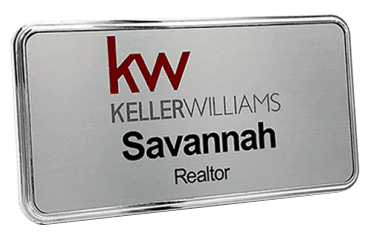
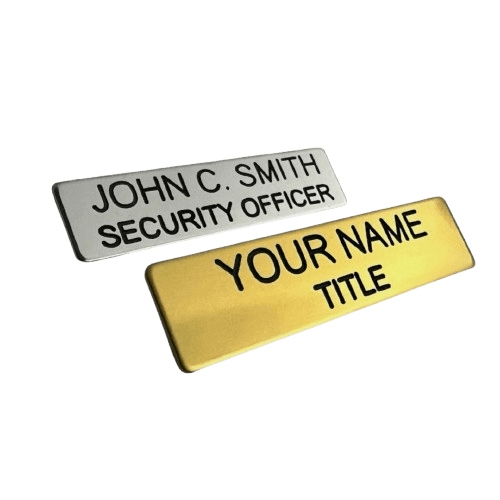
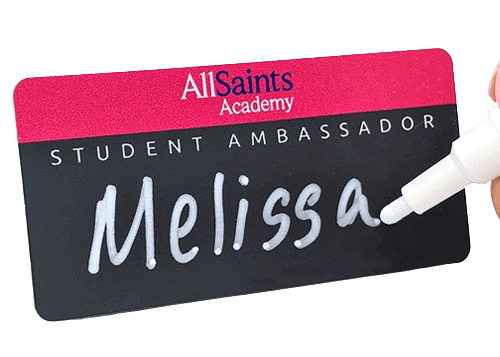
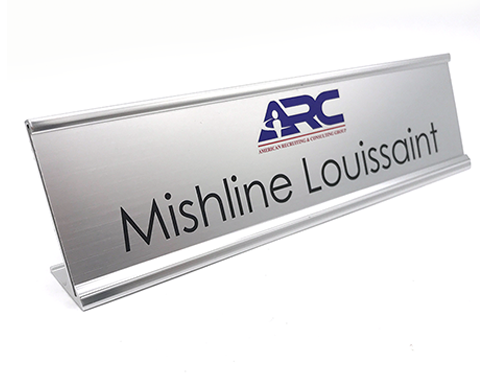
Select from plastic, metal, or full-color badges. Customize size, shape, and fastener (magnet or pin).
Step 2: Customize It Online
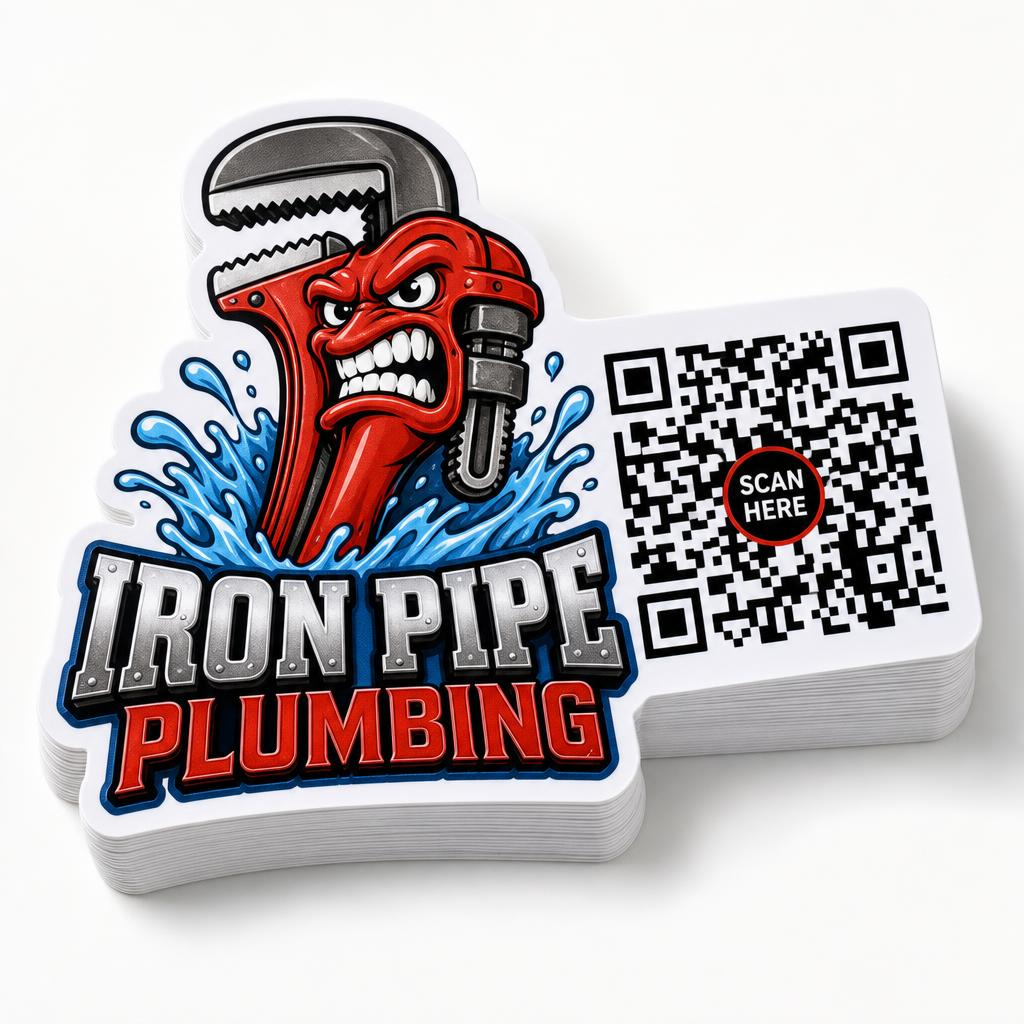
Use our drag-and-drop editor at NameBadge.com/badges to add names, logos, colors, QR codes, and more. It works right in your browser — no app needed.
Step 3: Approve and Order
Once you're happy with the design, approve the preview and check out. Rush shipping options available!
Real Customer Experiences
“Designing our company badges was easier than expected. Loved the live preview!”
– Jamie L., Office Manager
“I had no design experience and still created great-looking badges for our staff.”
– Chris D., Salon Owner
Need Help with Your Design?
Our friendly team is ready to assist with uploads, formatting, or large group designs. Contact us here or use live chat for quick answers.